How to Fix “Please enter an address to continue” in WooCommerce

How to Fix “Please enter an address to continue” in WooCommerce

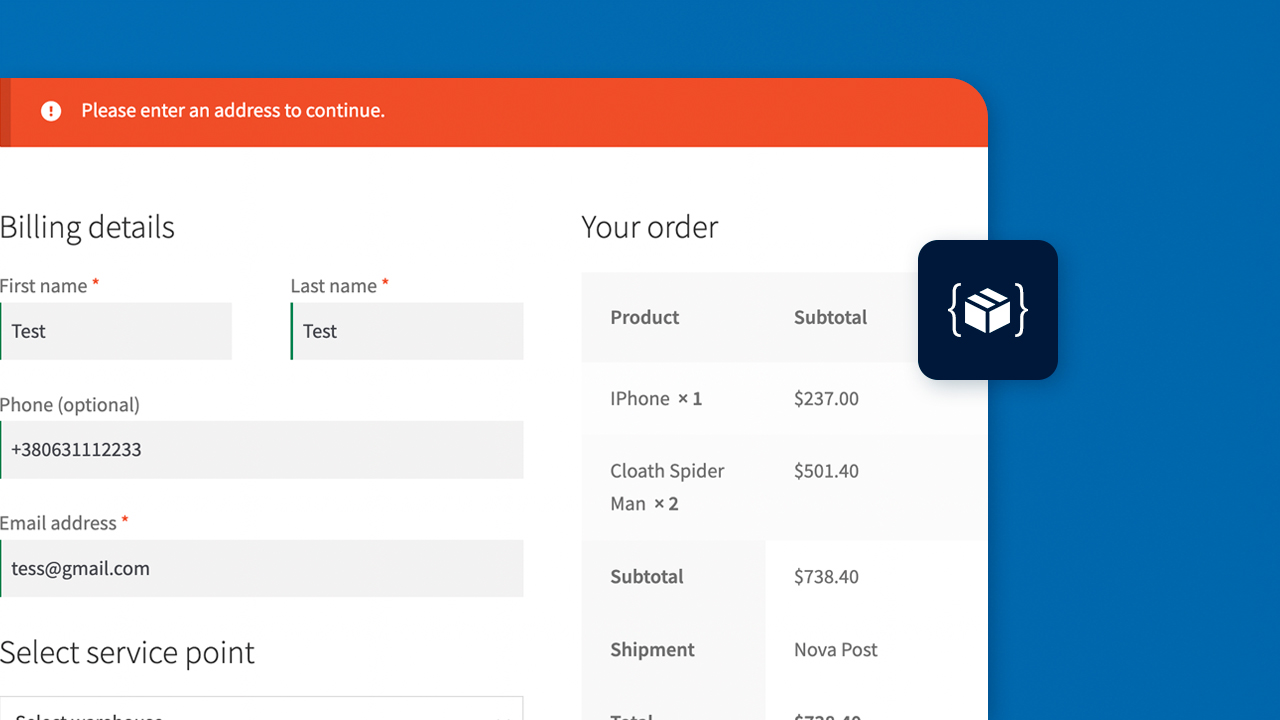
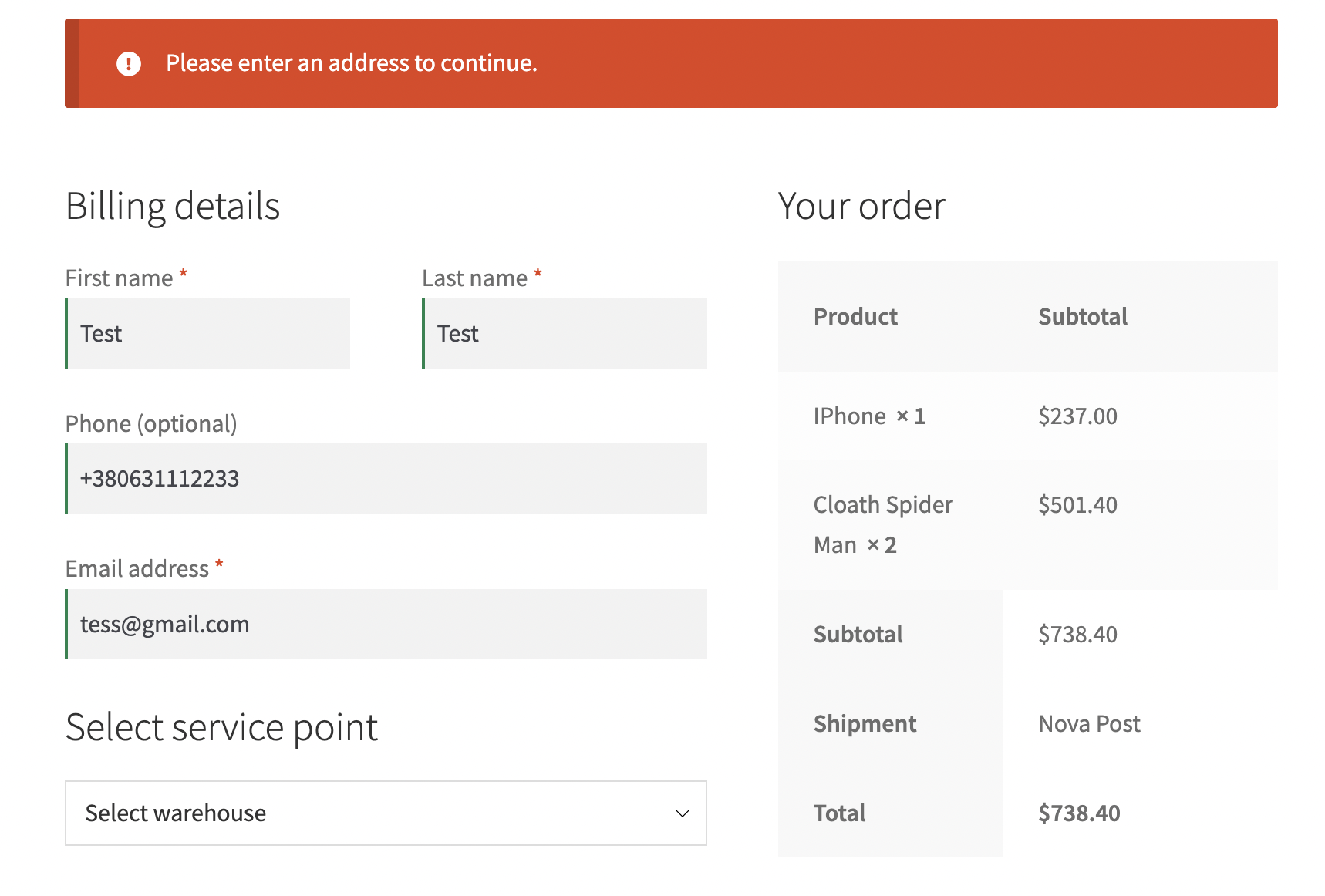
When you build a store on recent versions of WooCommerce, you may run into a checkout that refuses to place orders and shows the error “Please enter an address to continue”. Every field on the page is filled in, the error appears irregularly and only for some visitors — which is exactly why it is so hard to reproduce.

Below is why it happens, how to fix it in a couple of minutes, and how to hide the Country field if you don’t want it on your checkout.

Why WooCommerce says “Please enter an address to continue”

The most likely cause is that the Country field (billing_country or shipping_country) was removed from the checkout page. In recent WooCommerce versions this field is required: the country is what WooCommerce uses to pick the shipping zone, the available shipping methods and taxes.

When a customer opens the checkout, WooCommerce tries to determine their location to run the logic tied to specific geographic zones. If the country field is missing, WooCommerce has no destination address, won’t let the customer proceed and throws this error.

That also explains the inconsistent behavior: a returning customer whose country is already saved in their account or session gets through, while a new visitor with no saved address hits the error.
How to fix it: restore the Country field on checkout

To solve the problem, simply bring the country field back. How you do it depends on how the fields were removed.

If you removed fields with PHP code

Find the callback on the woocommerce_checkout_fields hook in your theme or custom plugin and exclude the country field from it. You can keep removing other fields, but billing_country and shipping_country must stay.

add_filter( 'woocommerce_checkout_fields', function ( $fields ) {
    // Remove the fields you don't need
    unset( $fields['billing']['billing_company'] );
    unset( $fields['billing']['billing_address_2'] );

    // Do NOT remove the country field, or checkout will fail
    // unset( $fields['billing']['billing_country'] );

    return $fields;
} );

If you disabled fields with a plugin

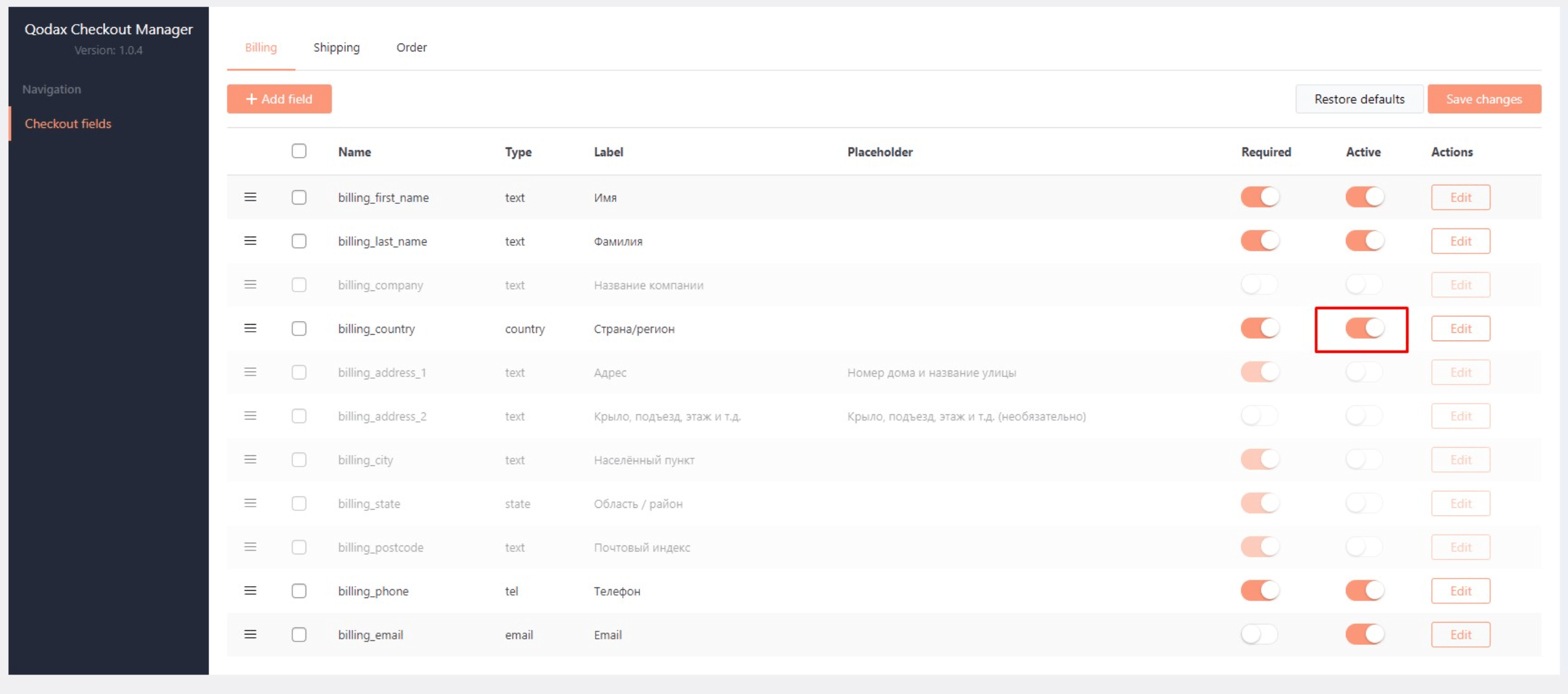
If you manage checkout fields with a dedicated plugin, re-enable the country field in its settings. For example, in our Qodax Checkout Manager plugin you just flip the toggle next to the billing_country field.

If the country field is in place and the error persists, check other plugins and your theme for anything that modifies address fields: two field editors conflicting with each other produce the same result.

How to hide the Country field in WooCommerce without breaking checkout

If you don’t want customers to see the country field, don’t remove it — hide it with CSS. The field stays in the form, WooCommerce still receives its value, and the customer never sees it. Copy the code below into your theme’s stylesheet:

#billing_country_field,
#shipping_country_field {
    display: none;
}

To make sure the hidden field always has the right value, limit selling to a single country in WooCommerce settings (WooCommerce → Settings → General). The country is then filled in automatically, and the customer has nothing to choose.

This is a common setup for stores that trim checkout down to name, phone and a carrier pickup point. If that’s what you’re building, SmartyParcel for WooCommerce adds pickup point and parcel locker selection to checkout for carriers such as Nova Post, InPost, DHL and GLS.

FAQ

WooCommerce takes the country not only from the checkout field but also from the address saved in the customer’s account, from the session or from geolocation. If the country is already known, the order goes through; if not, the customer sees the error.

No, that won’t help: if the field is empty, WooCommerce still has no address to calculate shipping. Keep the field in the form, hide it with CSS and limit selling to one country so the value is filled in automatically.

If orders ship to the billing address, billing_country is required. If the customer enters a different shipping address, shipping_country is needed as well. The simplest option is to keep both fields.

More from “WooCommerce”