Nova Poshta Plugin for WooCommerce: Rates, Branches, TTN and Tracking
SmartyParcel is a logistics platform with a WooCommerce plugin that connects your store to Nova Poshta. Install it, add a sender, and the plugin takes over the routine: live delivery rates at checkout, a searchable list of Nova Poshta branches and parcel lockers, TTN creation in one click and parcel statuses right inside your WooCommerce orders. No copying order data into the carrier's cabinet and no separate app for every shipment. Along with Nova Poshta you can enable Ukrposhta, Meest, Rozetka Delivery, DHL, GLS, PostNord, InPost and Nova Global in the same plugin.

How to connect Nova Poshta to WooCommerce?
To start shipping orders with Nova Poshta from your WooCommerce store, you need three simple steps.
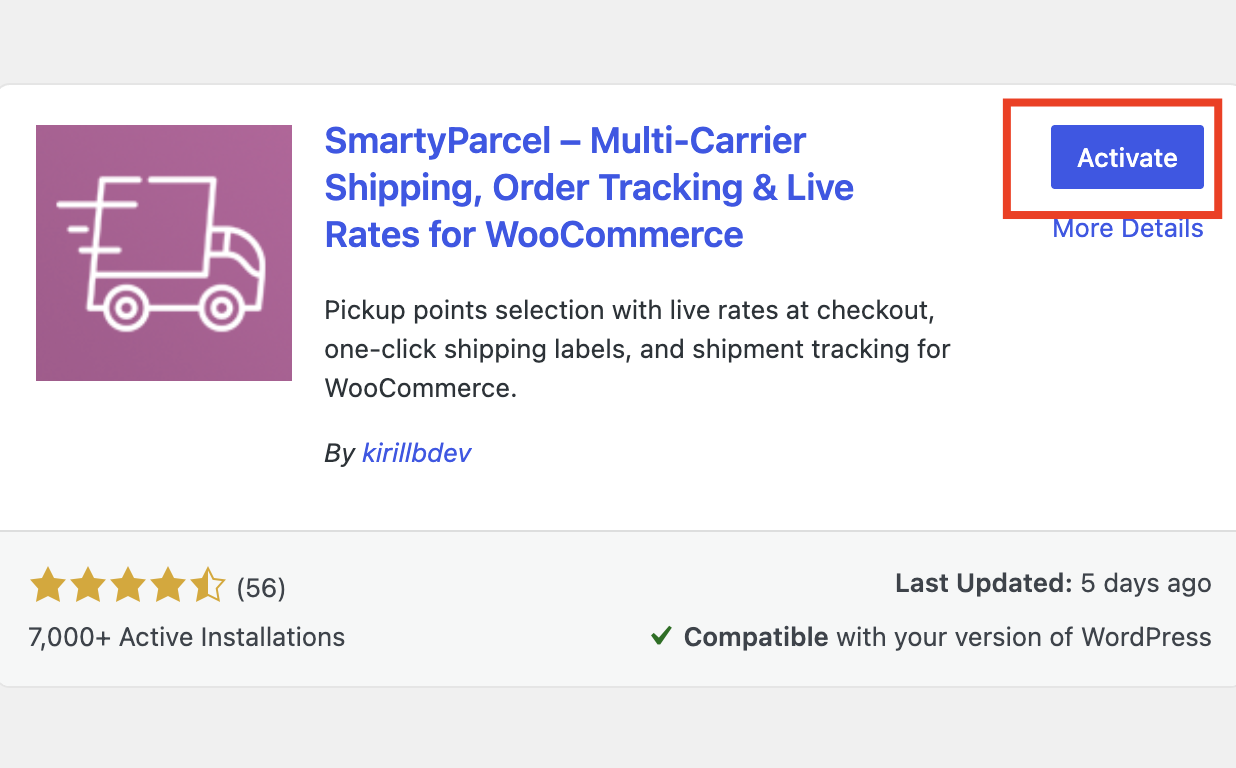
Install and activate the SmartyParcel WooCommerce plugin
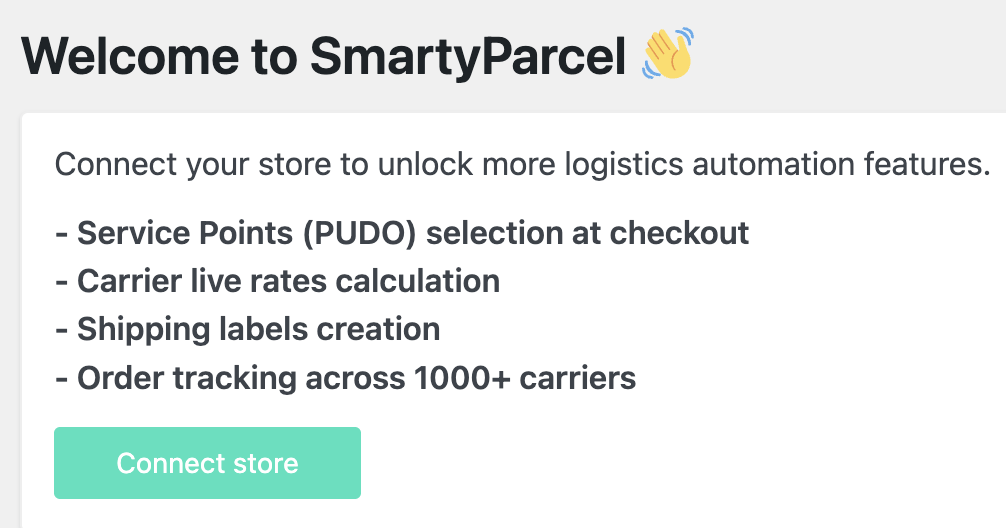
Connect the plugin to your SmartyParcel account
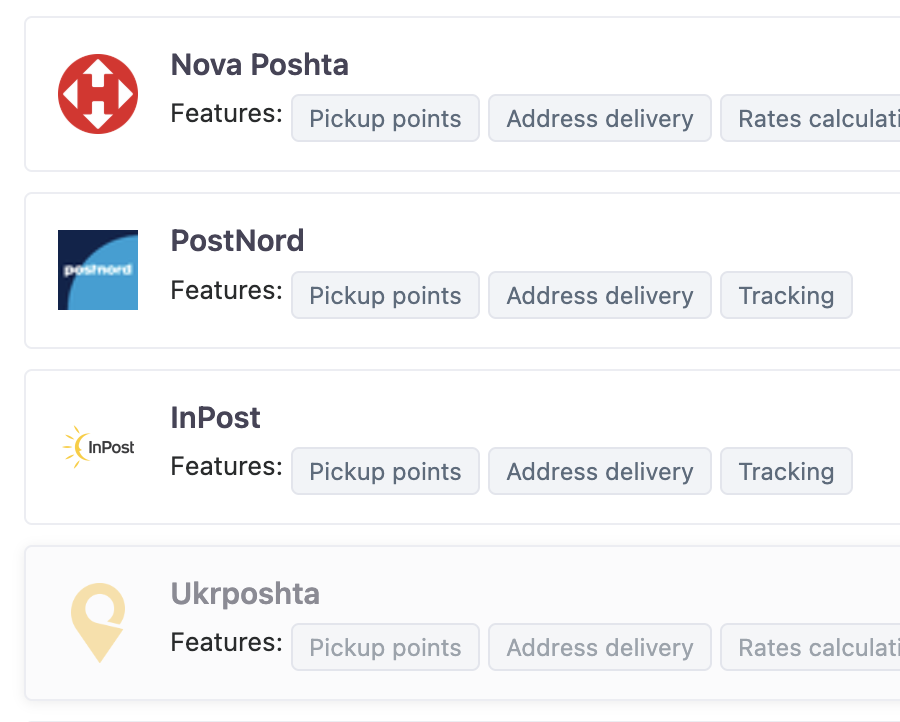
Enable Nova Poshta as a shipping method in your store
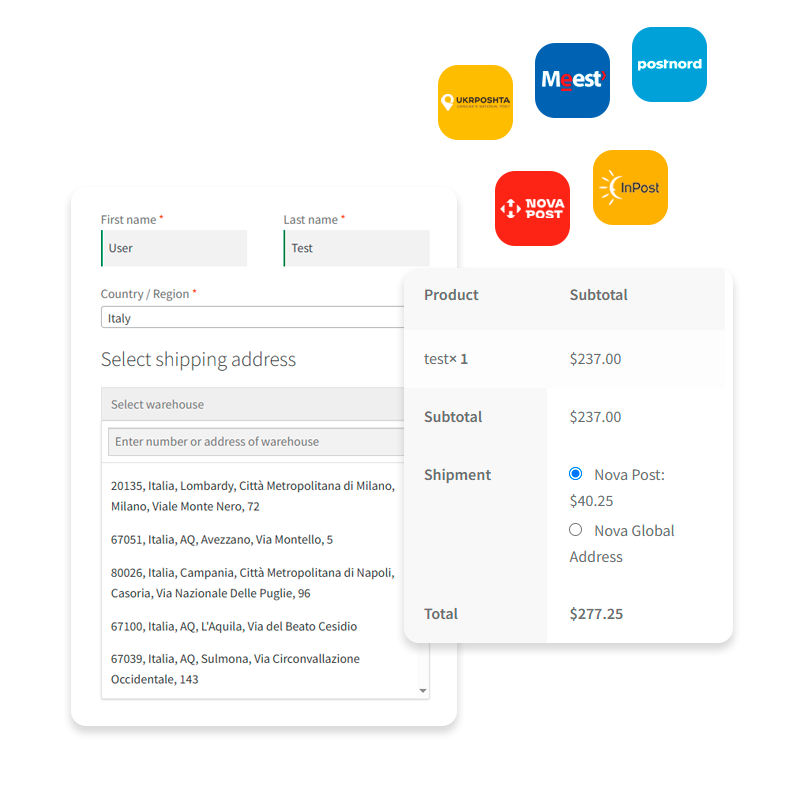
Nova Poshta Branch and Parcel Locker Picker at WooCommerce Checkout
Most Ukrainian shoppers do not want courier delivery — they want a specific Nova Poshta branch near home or work. The plugin adds a searchable branch and parcel locker picker directly to your WooCommerce checkout page, so the customer selects the exact point in a couple of clicks instead of typing its number into an address field.
At checkout your customers can choose:
- A Nova Poshta branch in their city or village
- A Nova Poshta parcel locker for self-service pickup
- Courier delivery to a home or office address
The selected point is saved with the order, so the data is already correct when the TTN is created — no manual clean-up, no parcels sent to the wrong branch. Fewer failed deliveries, fewer “which branch did I pick” tickets, and a checkout that looks familiar to buyers across Ukraine.
Need other carriers in the same checkout? See the full WooCommerce shipping plugin overview.
Create Nova Poshta TTN from WooCommerce in One Click
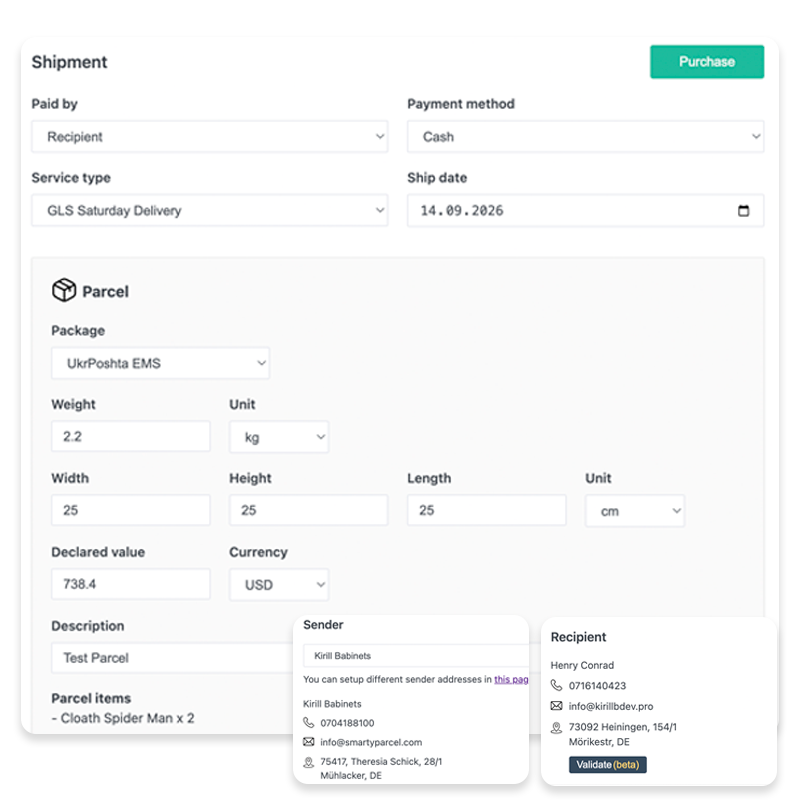
Stop retyping order data into the carrier's cabinet. The plugin pulls customer and order details straight from WooCommerce and turns them into a ready-to-print Nova Poshta waybill (TTN), cutting label creation time by roughly 10x compared to filling everything in by hand.
Single-order TTN
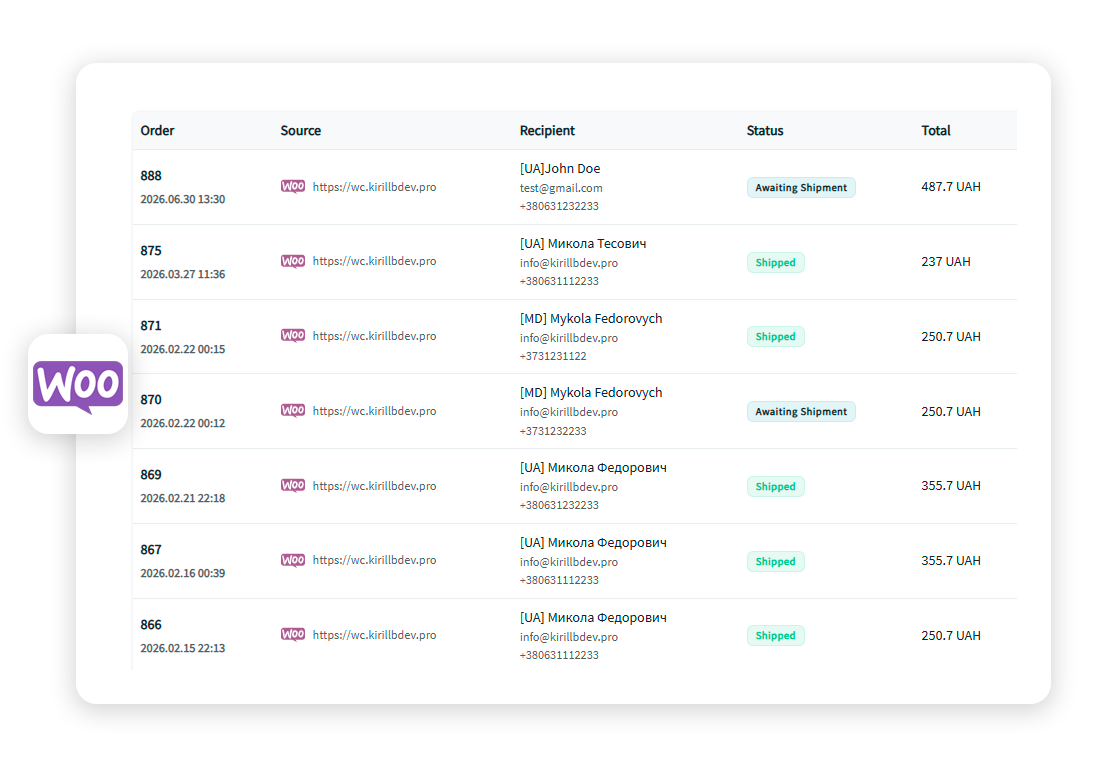
Open any order and generate its Nova Poshta waybill on the spot — sender, recipient, branch, weight and dimensions are filled in automatically from the order data.
Bulk TTN generation
Select a batch of orders and print Nova Poshta labels for all of them at once. For a store dispatching dozens or hundreds of parcels a day this turns an hour of routine into a couple of minutes before the courier arrives.
The same plugin creates labels for Ukrposhta, Meest, DHL Express, GLS and Rozetka Delivery, so a mixed order queue is processed in one place.
Real-Time Nova Poshta Shipping Rates at Checkout
Quote the real delivery cost instead of a flat fee that is either scaring buyers away or eating your margin. The moment a customer enters an address or picks a branch, the plugin requests a live rate from Nova Poshta — for that specific parcel, with weight, dimensions and destination taken into account.
Real-time Nova Poshta rates in WooCommerce mean:
- No overcharging customers with padded flat rates and no losses on underpriced ones
- Different pricing for branch pickup, parcel locker and courier delivery, calculated automatically
- One plugin calculates shipping for every connected carrier, so you don't need a separate plugin per courier
How many shipments are included on each plan is described on the pricing page.
Nova Poshta Tracking Inside WooCommerce Orders
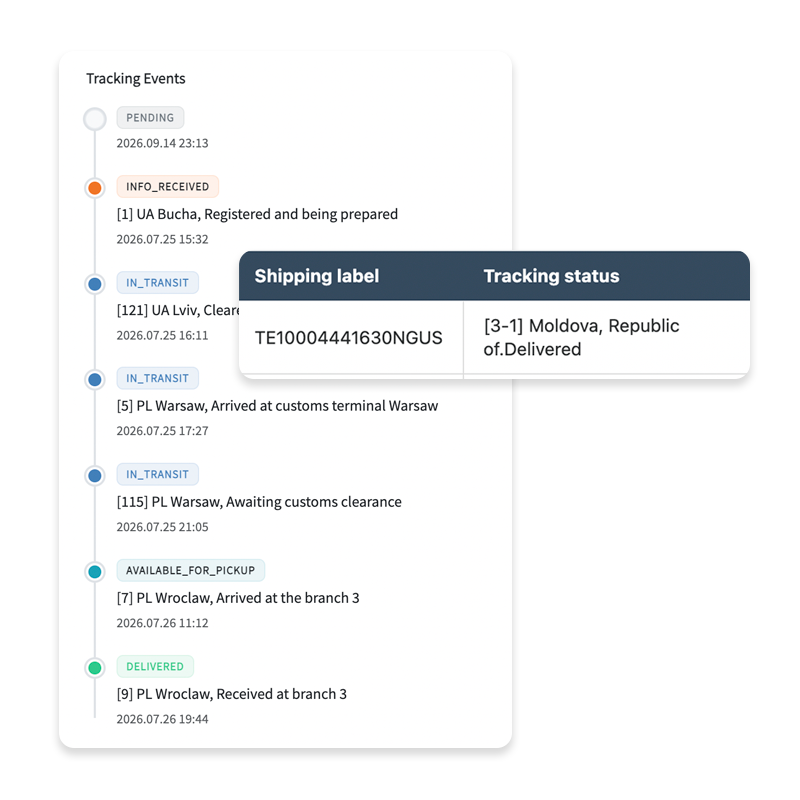
Keep customers informed after checkout instead of answering "where is my parcel" emails. Once a TTN is created, SmartyParcel pulls Nova Poshta statuses directly from the carrier and shows them in the WooCommerce order — from acceptance at the branch through to pickup or delivery.
Used as a Nova Poshta tracking tool for your store, it helps you:
- Cut down WISMO ("where is my order") support requests
- Spot parcels stuck at a branch before the customer complains
- Give buyers one tracking page instead of sending them to the carrier's site
Customers can also check a waybill number on our public Nova Poshta tracking page.